Find the Moment.In 3 Steps.
Upload your video, describe what you're looking for, and get the timestamps of the matching segments. No software to install — everything runs in your browser.
Upload Your Video
Drag and drop your video file into the browser. We support MP4, MOV and AVI. Your video is processed securely.
- Supports MP4, MOV and AVI
- Videos up to 30 min on Pro · up to 5 min without a subscription
- Secure cloud processing

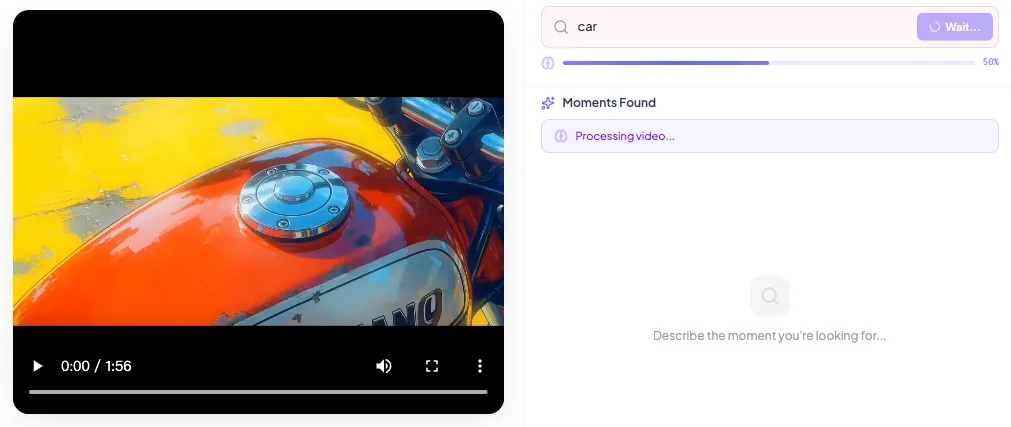
AI Describes Every Segment
Google Gemini 2.5 Flash watches your entire video and writes a timestamped description of each segment — people, objects, actions, emotions, on-screen text, and the sound (speech, noises, music).
≤120 s
Analysis time limit
2–60 s
Segment length (by video length)
Search & Jump to the Moment
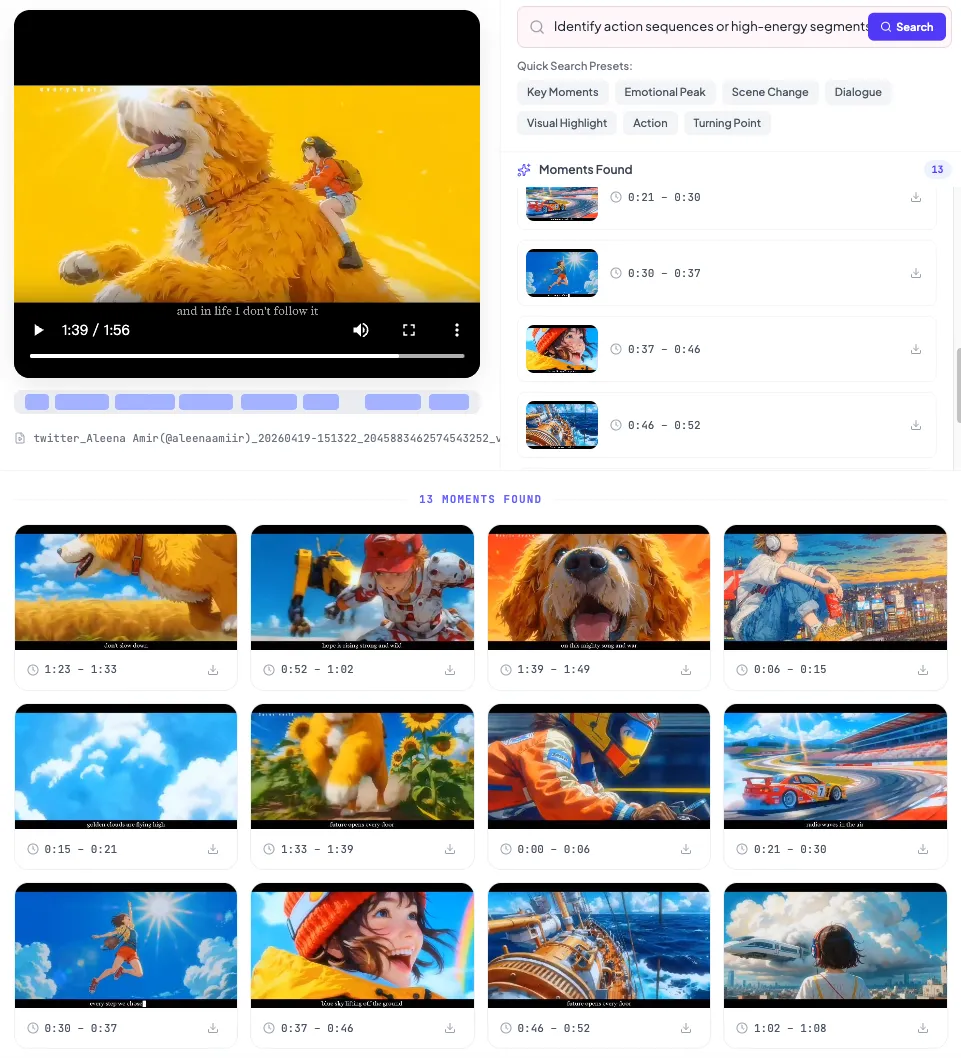
Type any description in natural language and get the matching segments with timestamps and confidence labels. Click a result to jump straight to that moment.
“person laughing in sunlight”
Searching uses the saved index, so the video is not processed again — and searching again costs no extra credits.
≤120 s
Analysis time limit
0 credits
Extra cost to search again
1-Click
Jump to the moment
7 days
Until your uploaded file is auto-deleted
What You Can Search For
The AI describes both picture and sound, so you can search for far more than spoken keywords.
Actions & Emotions
"person laughing", "someone crying", "people dancing"
Objects & Scenes
"red car on highway", "sunset over ocean", "crowded street"
On-Screen Text
"slide with chart", "title screen", "text overlay"
Sports Plays
"goal celebration", "slam dunk", "penalty kick"
Visual Composition
"aerial shot", "close-up of hands", "slow motion"
Your Own Words
Describe the moment the way you would tell a friend — no tags or special syntax
How SearchByVideo Differs From Transcript Search
Picture and Sound, Not Only Transcripts
Transcript tools only search what was said. SearchByVideo also describes what is on screen in each segment — objects, actions, scenes, emotions, on-screen text — so you can find moments that have no audio at all.
Pay Once, Search Forever
Analyzing a video costs 5 credits, once. After that, searching the same video costs no extra credits, however many times you search.
No Software Required
Everything runs in your browser. No desktop app to install, no plugins. Just drag, drop, and search.
Privacy First
Your videos are processed securely and shared only with the service providers needed to run the analysis, as described in our Privacy Policy. Uploaded files are deleted after 7 days; the search index is kept so you can keep searching.
Find the Moment in Your Own Video
Choose a plan and start analyzing. Works with MP4, MOV and AVI.
Try SearchByVideo Now